
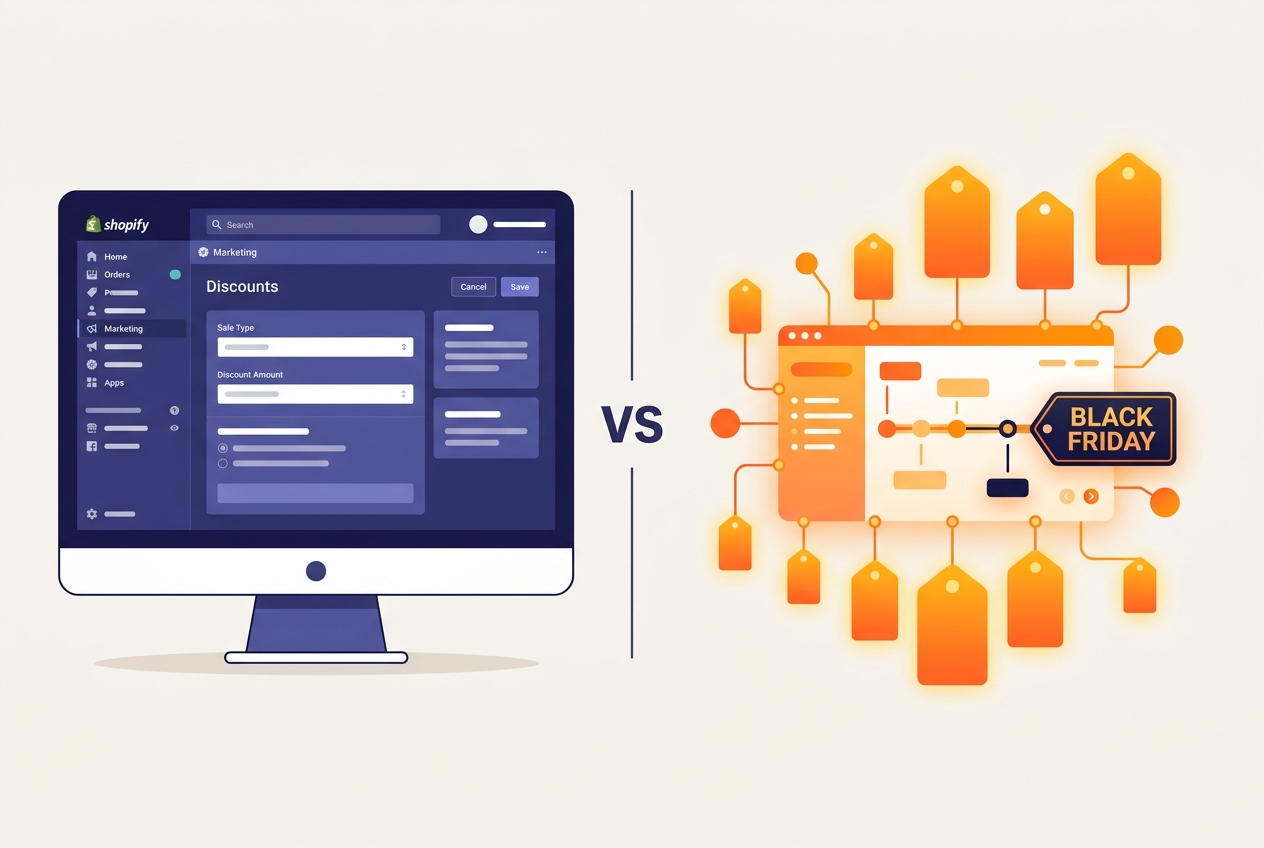
Black Friday and Cyber Monday (BFCM) represent the biggest sales opportunity of the year for Shopify store owners. Setting up your Shopify store for Black Friday success requires careful planning across discount strategy, store performance, inventory management, marketing, and checkout optimisation. This complete guide walks you through every step of preparing your Shopify store for Black Friday sales - from planning your promotions weeks in advance to analysing results after the event.
Start Planning 6-8 Weeks Before Black Friday
Successful Black Friday campaigns are not built in a weekend. Start planning at least 6-8 weeks before the event to give yourself time for store preparation, marketing setup, and testing. Key milestones include setting your discount strategy and margin analysis (6-8 weeks out), preparing creative assets and email campaigns (4-6 weeks out), optimising store performance and testing checkout (2-4 weeks out), and building pre-launch hype and early access campaigns (1-2 weeks out).
Choose Your Discount Strategy
Not every Black Friday sale needs to be a blanket 50% off everything. Choose a strategy that protects your margins while driving volume:
- Tiered discounts: Buy more, save more - 10% off 1 item, 15% off 2, 20% off 3+. Increases average order value
- Category-specific sales: Deep discounts on select categories while keeping bestsellers at full price or modest discounts
- Bundle deals: Create product bundles at a discounted total - moves inventory while increasing AOV
- Free shipping threshold: Free shipping on orders over a specific amount drives customers to add more items
- Gift with purchase: Free gift on orders over a threshold - often more profitable than percentage discounts
- Early access for email subscribers: Give your email list early access to deals, creating urgency and rewarding loyalty
- Flash sales: Time-limited deals throughout the weekend that create urgency and keep customers returning
Calculate your margins before setting discount levels. A 30% discount on a product with 60% gross margin leaves you with 30% margin - still profitable. A 30% discount on a 40% margin product leaves only 10% - potentially unprofitable after shipping and processing costs.
Optimise Your Shopify Store for Traffic Spikes
Shopify handles infrastructure scaling automatically - you will not get a traffic-related outage. However, your theme performance, apps, and content choices directly affect page speed under load. Before Black Friday, audit and remove unused apps (each adds JavaScript that slows your store), compress and optimise all product and banner images, enable lazy loading for below-fold images, test your store on mobile devices (60%+ of BFCM traffic is mobile), and run Google PageSpeed Insights and fix any critical issues.
Set Up Discounts in Shopify
Shopify offers several discount mechanisms:
Discount Codes
Create discount codes in Discounts → Create discount. You can set percentage, fixed amount, or free shipping discounts with conditions like minimum purchase amount, specific products or collections, and usage limits. Share codes via email, social media, and your website.
Automatic Discounts
Automatic discounts apply at checkout without a code - reducing friction and abandoned carts. Set these up for sitewide sales or specific collections. Customers see the discount applied automatically in their cart.
Shopify Scripts (Shopify Plus)
Shopify Plus merchants can use Scripts for advanced discount logic: tiered pricing, BOGO deals, custom shipping rules, and dynamic pricing based on cart contents. This provides the most flexibility for complex promotions.
Prepare Your Homepage and Landing Pages
Update your storefront for Black Friday at least a week before the event. Create a dedicated BFCM landing page or hero banner, highlight your best deals prominently above the fold, add countdown timers to create urgency (use Shopify apps or custom code), create a dedicated Black Friday collection with all sale products, update your announcement bar with sale messaging, and prepare mobile-optimised banner images (separate assets from desktop).
Email Marketing Campaign Setup
Email drives a significant portion of BFCM revenue. Plan a multi-touch campaign:
- 2 weeks before: Teaser email - "Black Friday is coming, save the date"
- 1 week before: Preview of deals - "Here is what is coming"
- Day before: Early access for VIP customers or email subscribers
- Black Friday morning: Sale is live - primary campaign
- Saturday/Sunday: Reminder with top sellers and limited stock alerts
- Cyber Monday: Extended sale or Cyber Monday-specific deals
- After BFCM: Thank you email with new customer welcome flow
Segment your email list by past purchase behaviour, spending level, and engagement to personalise messaging and offers.
Checkout Optimisation for BFCM
Every friction point in checkout costs you sales - and this is amplified during BFCM when customers are comparing deals across multiple stores. Enable Shopify Payments and Shop Pay for the fastest checkout experience, offer multiple payment methods (Apple Pay, Google Pay, PayPal, buy-now-pay-later), enable guest checkout (do not force account creation), keep shipping options simple and clearly priced, and test the entire checkout flow end-to-end before the event.
Inventory and Fulfilment Planning
Ensure you have sufficient stock for your promoted products. Set up low-stock alerts in Shopify, prepare your fulfilment workflow for higher order volumes, pre-print shipping labels and packaging materials, communicate expected shipping times clearly on product pages and in confirmation emails, and if using third-party fulfilment, confirm their BFCM capacity and cut-off dates.
Post-BFCM Analysis
After the event, analyse performance: total revenue and order count vs. goals, conversion rate compared to regular days, average order value, top-selling products, discount code usage and effectiveness, email campaign performance, new vs. returning customer split, and return/refund rate in the weeks following.
Use these insights to plan next year's BFCM strategy and to nurture the new customers you acquired.
How DigiXoft Helps with BFCM Preparation
As a certified Shopify Partner, DigiXoft helps stores prepare for Black Friday with performance optimisation, custom landing page design, checkout improvements, and marketing setup. Our Shopify maintenance services ensure your store is running at peak performance before the biggest sales event of the year. Contact us to start preparing.
Frequently Asked Questions
When should I start preparing my Shopify store for Black Friday?
Start planning 6-8 weeks before Black Friday. This gives you time to set your discount strategy, prepare marketing campaigns, optimise store performance, and test everything thoroughly. Rushing preparation leads to technical issues and missed revenue.
How do I set up Black Friday discounts on Shopify?
Go to Discounts in your Shopify admin. You can create discount codes (customers enter a code at checkout) or automatic discounts (applied automatically based on cart conditions). For complex promotions like tiered pricing or BOGO, Shopify Plus merchants can use Shopify Scripts.
Will my Shopify store handle Black Friday traffic?
Yes - Shopify handles infrastructure scaling automatically. Your store will not go down due to traffic. However, store-level performance (slow themes, too many apps, unoptimised images) can create poor user experience during high-traffic periods. Optimise your store speed before BFCM.
What is a good conversion rate for Black Friday on Shopify?
Average Shopify conversion rates during BFCM typically range from 3-5%, compared to 1.5-2% on regular days. Well-optimised stores with strong offers can see 6-10%+ conversion rates during peak sale hours.
Black Friday 2026 Key Dates and Timeline
Mark these dates for your BFCM 2026 planning:
- Black Friday 2026: November 27, 2026
- Cyber Monday 2026: November 30, 2026
- BFCM Weekend: November 27-30, 2026
Use this preparation timeline:
- September-October: Plan promotions, test site speed, prepare email and ad campaigns
- Early November: Set up discount codes, schedule Shopify Flow automations, test checkout flow
- Week before BFCM: Final load testing, enable CDN caching, brief customer support team
- BFCM weekend: Monitor real-time analytics, respond to issues immediately
- December: Analyse results, retarget BFCM visitors, plan holiday campaigns
Shopify Checkout Optimization for Black Friday
Your checkout is where revenue is won or lost during BFCM:
Speed Up Checkout Loading
Remove unnecessary checkout scripts, disable apps that inject code into checkout, and ensure your checkout loads in under 2 seconds.
Add Checkout Upsells
Shopify Plus merchants can use checkout extensions to add post-purchase upsells, gift wrapping options, and express shipping upgrades. These can increase average order value by 10-25% during BFCM.
Enable Express Payment Methods
Ensure Shop Pay, Apple Pay, Google Pay, and PayPal Express are all enabled. Stores with express checkout see 1.7x higher mobile conversion rates.
Set Up Abandoned Cart Recovery
Configure aggressive abandoned cart email sequences. Send the first recovery email within 1 hour (not the standard 10 hours), include the discount code prominently, and add urgency messaging about limited-time BFCM pricing.
Site Speed Preparation for BFCM Traffic Spikes
Black Friday traffic can be 5-10x your normal daily volume. Prepare with our Shopify speed optimization checklist:
- Compress and lazy-load all images below the fold
- Remove unused apps and scripts that slow page rendering
- Enable Shopify CDN caching for static assets
- Test your site under load using tools like k6 or Lighthouse
- Set up uptime monitoring to catch issues before customers do