
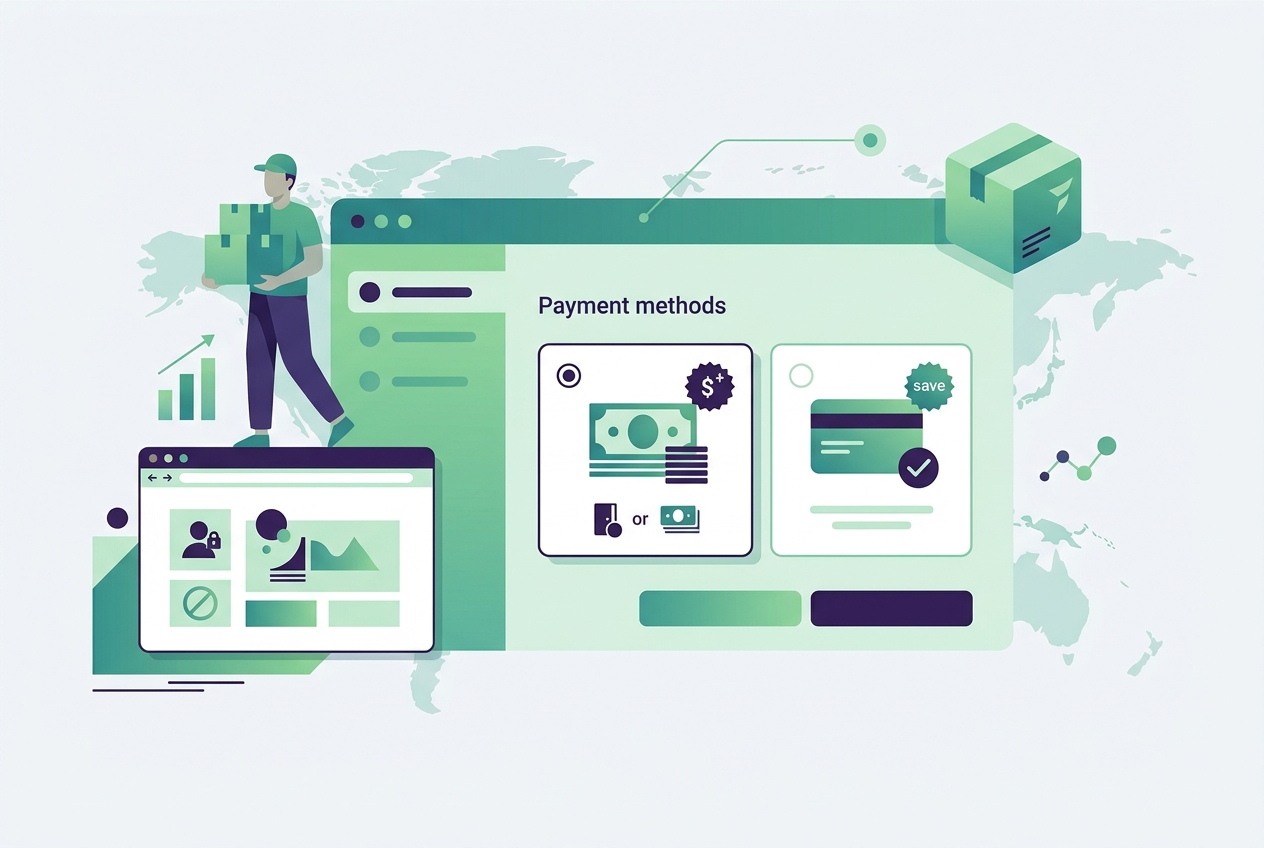
Cash on delivery (COD) is essential for e-commerce in markets like India, Southeast Asia, the Middle East, and parts of Latin America where customers prefer paying at the door. But COD comes with real costs: failed deliveries, returns, higher logistics expenses, and cash handling fees. Adding a COD fee is the most effective way to offset these costs while encouraging customers to choose prepaid payment methods. Here is how to set it up on Shopify.
Why Add a COD Fee?
COD orders are significantly more expensive to fulfill than prepaid orders. Here is what the numbers look like for most merchants:
- Failed delivery rate: COD orders have a 15-30% failed delivery rate in markets like India, compared to under 5% for prepaid orders. Each failed delivery costs you the shipping fee (both ways) plus handling costs
- Return rate: COD return rates are 2-3x higher than prepaid because customers have no financial commitment when placing the order
- Cash handling: Logistics partners charge 1-3% extra for COD cash collection and remittance
- Delayed cash flow: COD payments take 7-14 days to reach your account compared to instant settlement with prepaid methods
A COD fee (typically 20-50 rupees or $1-3) does two things: it partially offsets these costs, and it nudges price-sensitive customers toward prepaid payment, reducing your failed delivery rate.
How to Add a COD Fee on Shopify
Shopify does not have a native COD fee feature. You need an app to add fees to COD orders. Dx COD Fee Manager is built specifically for this, starting at $1.99/month.
Step 1: Install the App
Install Dx COD Fee Manager from the Shopify App Store. The app integrates with Shopify checkout to add a fee when customers select cash on delivery as their payment method.
Step 2: Set Your Fee Amount
You can set the COD fee as a fixed amount or a percentage of the order total:
- Fixed fee: A flat charge regardless of order value. Example: Rs 40 COD fee, or $2 COD handling charge. Simple and transparent for customers
- Percentage fee: A percentage of the cart total. Example: 2% COD charge. Scales with order value, which better reflects the actual cost of COD on larger orders
Most merchants find a fixed fee between Rs 30-50 (India) or $1-3 (international) strikes the right balance: high enough to encourage prepaid but low enough that COD customers still convert.
Step 3: Configure Rules
Not every order needs the same COD treatment. Set rules to control when COD is available and what fee applies:
Location-Based Rules
- By pincode/zip code: Disable COD for pincodes where your logistics partner does not support COD collection. Charge higher COD fees for remote areas where delivery costs are higher
- By state or region: Different COD fees for different states based on your logistics costs per region
- By country: Enable COD only in countries where your logistics partners support cash collection
Product-Based Rules
- By product: Disable COD on high-value items where the risk of failed delivery is too costly. A customer refusing a Rs 50,000 order at the door is far more expensive than a Rs 500 order
- By collection: Apply different COD rules to different product categories. Electronics might have COD disabled entirely, while fashion products allow COD with a fee
Cart-Based Rules
- Minimum order value: Only offer COD above a certain cart value to filter out impulse orders that are more likely to be refused
- Maximum order value: Disable COD above a certain amount to limit your exposure on large orders
- Hide COD with discount codes: If a customer is using a deep discount code, they are already getting a deal. Hiding COD for discounted orders pushes them to prepaid and reduces the already-thin margin erosion from COD handling costs
Strategies to Reduce COD Orders
Beyond adding a fee, here are proven strategies to shift your order mix toward prepaid:
Prepaid Discount
Instead of framing it as a COD penalty, frame it as a prepaid reward. "Get 5% off when you pay online" converts better psychologically than "COD orders incur a Rs 40 fee." The economics are the same, but the customer perception is positive rather than negative.
Free Shipping for Prepaid Only
Offer free shipping exclusively on prepaid orders. COD orders pay shipping. This is a strong incentive because customers are very sensitive to shipping costs. Combined with a COD fee, the total cost difference between prepaid and COD becomes significant enough to change behavior.
Instant Checkout on Product Pages
Adding a "Buy Now" button that takes customers directly to prepaid checkout reduces the friction of paying online. The fewer steps between "I want this" and "payment completed," the less likely customers are to default to COD. Dx COD Fee Manager includes an instant checkout button feature for product pages.
COD Verification via OTP
Send an OTP (one-time password) to verify COD orders before dispatching. This confirms the customer is genuine and expects the delivery. OTP verification alone can reduce failed COD deliveries by 20-40% because fake or impulsive orders are filtered out before you spend money on shipping.
COD Fee Display and Customer Communication
Transparency is critical. Customers should know about the COD fee before they reach checkout:
- Display the COD fee clearly on your shipping policy page
- Show the fee at checkout when the customer selects COD payment
- Use clear language: "A COD handling charge of Rs 40 applies to cash on delivery orders" is better than hiding the fee
- Consider explaining why: "COD orders require additional handling by our logistics partners, which incurs a small fee"
Surprising customers with unexpected fees at checkout is the fastest way to increase cart abandonment. Transparency builds trust even when you are charging extra.
COD Restrictions by Pincode
Not all areas support COD. Your logistics partners have COD serviceability lists that define which pincodes they can collect cash from. Offering COD to a pincode where your courier cannot collect cash results in a guaranteed failed delivery.
Dx COD Fee Manager lets you restrict COD availability by pincode. Upload your courier partner's COD serviceability list, and the app automatically hides the COD payment option for pincodes that are not serviceable. This prevents impossible COD orders from being placed and saves you from failed deliveries.
Measuring COD Fee Impact
After implementing a COD fee, track these metrics:
- COD to prepaid ratio: The primary metric. A successful COD fee should shift 10-20% of orders from COD to prepaid within the first month
- Conversion rate: Watch for any drop in overall conversion. If the COD fee is too high, some customers will abandon rather than pay the fee or switch to prepaid
- Failed delivery rate: Should decrease as the COD fee filters out less committed buyers
- Average order value: COD fees can slightly increase AOV because customers spending more are less sensitive to a small handling charge
- Return rate: Should decrease on COD orders because customers who pay a fee are more committed to receiving the order
COD Fee and Shopify Checkout
The COD fee is added at checkout when the customer selects cash on delivery as their payment method. The fee appears as a separate line item so customers can clearly see the base order total and the COD charge. If the customer switches to a prepaid method (credit card, UPI, wallet), the fee is automatically removed.
This dynamic behavior is important because it gives customers a real-time comparison: they can see exactly how much they save by choosing prepaid. The visual difference in total amount is a powerful nudge toward online payment.
Frequently Asked Questions
Can I add a COD fee on Shopify without an app?
No. Shopify does not have a native feature to add fees based on payment method. You need an app like Dx COD Fee Manager to add a fee specifically when customers choose cash on delivery. The app starts at $1.99/month with a 7-day free trial.
What is a good COD fee amount?
For the Indian market, Rs 30-50 is the standard range. Internationally, $1-3 or 1-2% of the order value. The fee should be high enough to encourage prepaid but not so high that it drives away genuine COD customers. Start low and increase gradually while monitoring your conversion rate and COD-to-prepaid ratio.
Will adding a COD fee reduce my sales?
Most merchants see a small initial dip (2-5%) in total orders but a significant improvement in profitability because the orders that drop off are the most likely to fail delivery. Your net revenue typically increases because you are spending less on failed deliveries and returns. The customers who remain are more committed buyers.
Can I disable COD for specific products?
Yes. Dx COD Fee Manager lets you disable COD by product or collection. This is useful for high-value items where a failed COD delivery would be costly, fragile items that are frequently damaged in return shipping, or custom or made-to-order products that cannot be resold if returned.
How do I hide COD for certain pincodes?
Upload your logistics partner's COD serviceability list to Dx COD Fee Manager. The app automatically hides the COD option at checkout for pincodes where your courier does not support cash collection. This prevents orders that would inevitably fail delivery.