
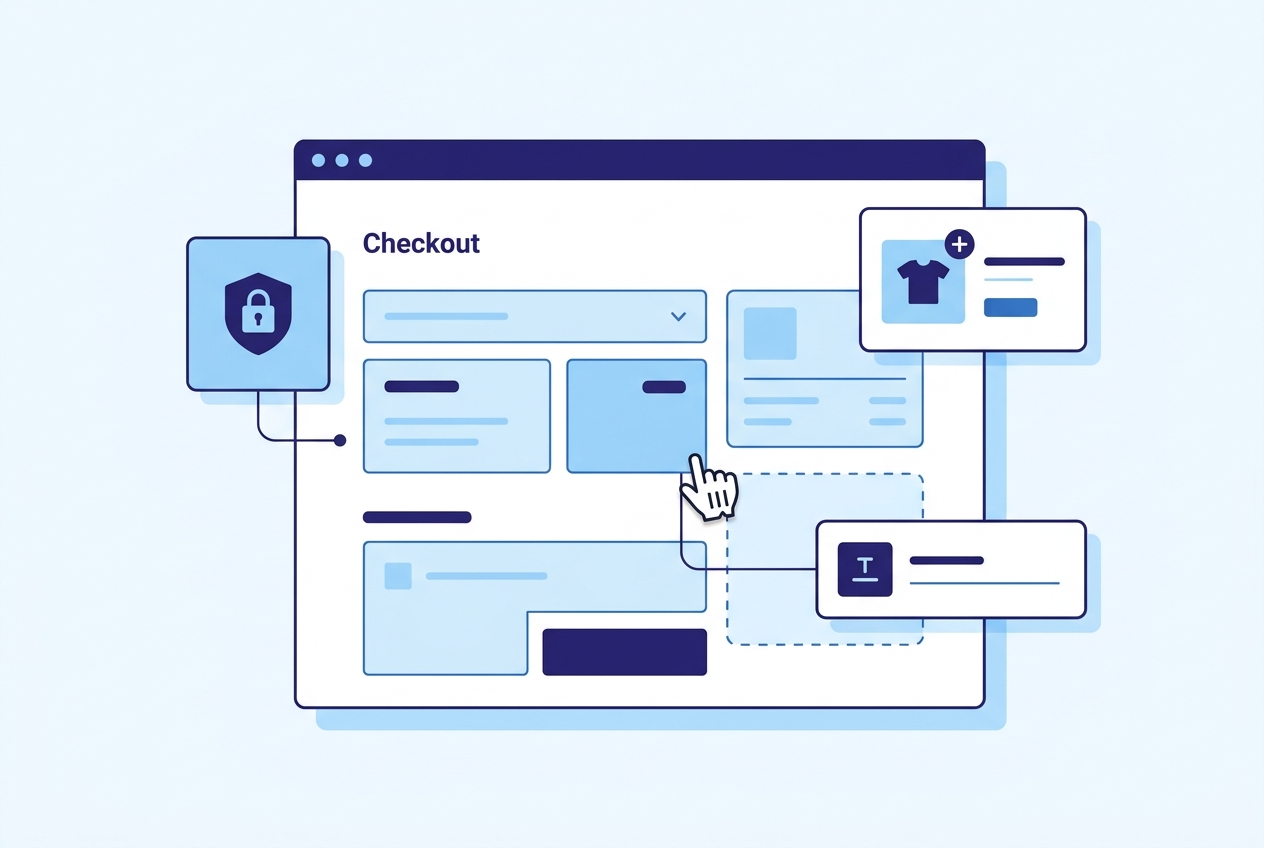
The Shopify checkout is the most critical page in your store. Even small improvements to the checkout experience can significantly impact conversion rates and average order value. With Shopify checkout extensibility, you can now customize the checkout without editing checkout.liquid (which Shopify deprecated for Plus stores in August 2024). This guide covers every way to customize your Shopify checkout in 2026.
Checkout Extensibility Overview
Shopify checkout extensibility is a framework that lets developers add custom functionality to the checkout using apps, not theme code. The framework has several components:
- Checkout UI Extensions: Custom UI components rendered at specific points in the checkout (before/after line items, shipping options, payment methods, order summary)
- Shopify Functions: Server-side logic that runs during checkout to modify shipping rates, payment methods, discounts, and cart/checkout validation
- Web pixels: Tracking and analytics scripts that run in a sandboxed environment
- Post-purchase extensions: Custom pages shown after order confirmation for upsells or surveys
What You Can Customize
Checkout UI Extensions
UI extensions let you add visual elements to the checkout. Common use cases include:
- Upsells and cross-sells: Show product recommendations in the checkout sidebar or after line items. "Add gift wrapping for $5" or "Customers also bought..." directly in checkout
- Trust badges: Display security badges, money-back guarantee icons, or shipping guarantees to reduce checkout abandonment
- Custom fields: Add fields for delivery instructions, gift messages, VAT numbers, purchase order numbers, or any other data you need to collect
- Banners and notices: Show promotional messages, shipping thresholds ("Add $15 more for free shipping"), or important notices
- Loyalty points: Display earned loyalty points or allow customers to redeem points at checkout
- Delivery date picker: Let customers choose a preferred delivery date
- Custom validation: Show warnings or block checkout based on custom rules (e.g., require a phone number for COD orders)
Our DX Checkout Blocks & Rules app provides all of these checkout customizations without any coding required. Install the app, configure the blocks you want, and they appear in your checkout immediately.
Shopify Functions
Functions run server-side and modify checkout behavior:
- Discount functions: Create custom discount logic beyond what Shopify discounts support natively (e.g., buy 2 from collection A and get 1 from collection B free)
- Shipping rate functions: Rename, reorder, hide, or modify shipping rates based on cart contents, customer tags, or other criteria
- Payment method functions: Hide or reorder payment methods (e.g., hide COD for international orders, show bank transfer only for orders over $1,000)
- Cart/checkout validation: Block checkout with a custom error message if certain conditions are not met (e.g., maximum 3 units of a limited-edition product)
Checkout Extensibility vs checkout.liquid
Before checkout extensibility, Shopify Plus merchants customized the checkout by editing checkout.liquid, a Liquid template that controlled the entire checkout page. Shopify deprecated checkout.liquid in August 2024 because direct template editing created security risks (malicious code could capture payment data), broke during Shopify platform updates, was impossible for Shopify to optimize for performance, and could not be used by non-Plus merchants.
Checkout extensibility solves these problems. Extensions run in a sandboxed environment (they cannot access payment data), are maintained by app developers independently of Shopify platform updates, and are available to all Shopify plans (not just Plus) when installed via apps.
Getting Started with Checkout Customization
There are two paths to customizing your checkout:
Path 1: Install a Checkout App (No Code)
The fastest way to customize your checkout is to install an app that provides pre-built checkout blocks. DX Checkout Blocks & Rules lets you add upsells, trust badges, custom fields, banners, and delivery instructions to your checkout through a visual configuration interface. No development required.
After installing, go to your Shopify admin checkout editor (Settings > Checkout > Customize) and drag the app blocks to the checkout positions you want.
Path 2: Build a Custom Extension (Developer)
For unique requirements, you can build a custom checkout extension using Shopify CLI and React-based checkout UI components:
- Create a new app with
shopify app init - Generate a checkout extension with
shopify app generate extension --type checkout_ui - Write your extension using checkout UI components (Banner, BlockStack, Checkbox, TextField, etc.)
- Define the extension target (where it renders: before/after line items, shipping, payment, etc.)
- Deploy with
shopify app deploy
Checkout UI extensions use a React-based framework with Shopify-provided components that match the checkout design. You cannot use arbitrary HTML or CSS in checkout extensions; you must use the provided component library.
Checkout Customization Best Practices
- Less is more: Every element you add to checkout is a potential distraction. Add only what genuinely helps the customer or your business
- Test everything: A/B test checkout changes. An upsell that seems helpful might actually reduce conversion if it creates decision fatigue
- Mobile first: Over 70% of Shopify traffic is mobile. Test your checkout customizations on mobile devices
- Speed matters: Checkout extensions should load instantly. Avoid extensions that make external API calls during checkout rendering
- Trust signals work: Trust badges and guarantee messages consistently reduce abandonment in testing. They are one of the safest checkout customizations
Common Checkout Customizations by Industry
Fashion and Apparel
Gift messaging fields, size exchange notices, estimated delivery dates, and "complete the look" cross-sells in the checkout sidebar.
Food and Beverage
Delivery date/time pickers, allergen warnings, temperature-sensitive shipping notices, and subscription upsells.
Electronics
Extended warranty upsells, compatibility warnings, and insurance add-ons.
B2B and Wholesale
Purchase order number fields, company VAT number collection, net payment terms display, and minimum order validation.
Need help customizing your Shopify checkout? DigiXoft builds custom checkout extensions and provides Shopify development services for stores of all sizes. Contact us for a free consultation.
Frequently Asked Questions
Can I customize the Shopify checkout without Shopify Plus?
Yes. Checkout UI extensions installed via apps work on all Shopify plans. You can add upsells, custom fields, trust badges, and more using apps like DX Checkout Blocks & Rules. Some advanced features like Shopify Functions for shipping and payment customization may require Shopify Plus or specific plan tiers.
Is checkout.liquid still supported?
No. Shopify deprecated checkout.liquid in August 2024 for all Shopify Plus stores. All checkout customization must now use checkout extensibility (checkout UI extensions and Shopify Functions). If your store still uses checkout.liquid, migrate to extensibility before Shopify removes support entirely.
Do checkout extensions slow down the checkout?
Well-built checkout extensions have minimal performance impact. They run in a sandboxed environment and use Shopify-hosted infrastructure. However, poorly built extensions that make multiple external API calls can add latency. Choose established apps with good reviews, and test your checkout load time after adding extensions.