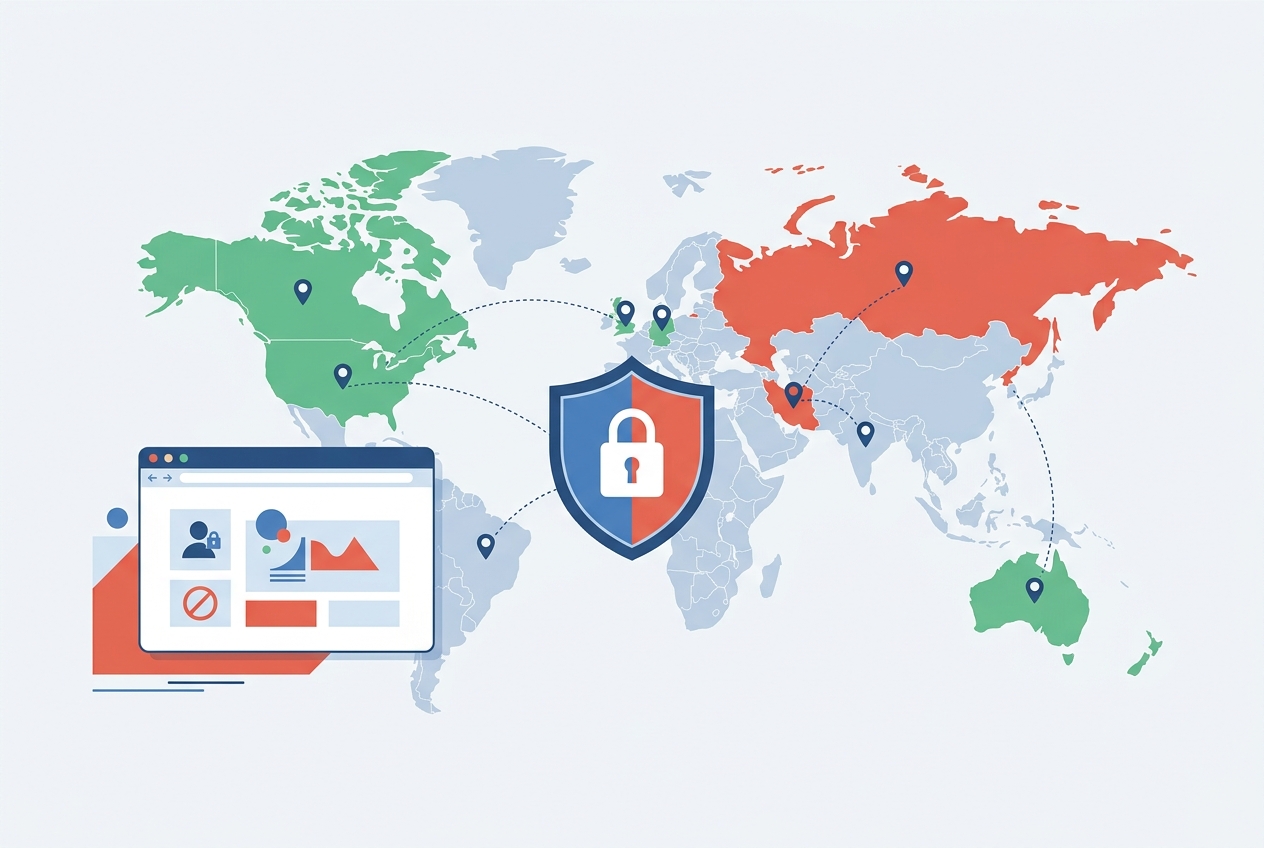
Not every Shopify store needs to be accessible worldwide. Whether you sell region-specific products, need to comply with trade regulations, want to reduce fraud from certain regions, or simply do not ship internationally, blocking specific countries from your store is a practical business decision. This guide covers every method to implement geo-blocking on Shopify.
Why Block Countries on Shopify?
There are several legitimate reasons merchants restrict store access by country:
- Legal compliance: Trade sanctions, export controls, or product regulations may prevent you from selling to certain countries. Alcohol, supplements, and regulated goods often have country-specific restrictions
- Fraud prevention: If your store experiences high fraud rates from specific regions, blocking those countries reduces chargebacks and losses
- Shipping limitations: If you only ship domestically or to select countries, showing your store to visitors you cannot serve creates a poor experience and wastes their time
- Licensing and distribution: Exclusive distribution agreements may restrict where you can sell certain products or brands
- Bot and scraper protection: Blocking countries that generate high volumes of bot traffic reduces server load and protects your pricing data
- Regional pricing protection: If you run region-specific stores with different pricing, blocking cross-region access prevents customers from shopping where prices are lower
Method 1: Shopify Markets (Built-In)
Shopify Markets lets you define which countries your store serves. While it does not technically "block" countries, it controls where your store is available for purchase:
- Go to Settings > Markets in your Shopify admin
- Review your active markets. By default, Shopify creates a "Primary" market (usually your home country) and an "International" market
- To restrict sales to specific countries, edit the International market and remove countries you do not want to serve
- You can also deactivate the International market entirely to sell only in your primary market
The limitation: Shopify Markets controls where customers can purchase, but visitors from blocked countries can still browse your store. They will see products but cannot check out. This creates a frustrating experience because visitors invest time browsing only to discover they cannot buy.
Method 2: Country Blocker Apps
For true geo-blocking where visitors from restricted countries cannot access your store at all, you need a dedicated app. Country blocker apps use IP-based geolocation to detect a visitor's country and take action before they see your store content.
Dx Country Blocker provides complete geo-blocking for Shopify stores with features including:
- Block by country: Select which countries cannot access your store. Visitors from blocked countries see a customizable block page instead of your store
- Allowlist mode: Instead of blocking specific countries, allow only specific countries. Everything else is blocked. This is simpler when you sell to a small number of regions
- Custom redirect: Instead of showing a block page, redirect visitors to a different URL. Useful if you have region-specific stores (redirect UK visitors to your .co.uk store, for example)
- Auto-redirect: Automatically redirect visitors to the correct regional store based on their location without any manual intervention
- Customizable block page: Create branded block pages with custom messaging, your logo, and alternative contact information so blocked visitors understand why access is restricted
- IP blocking: Block specific IP addresses or IP ranges for targeted bot protection beyond country-level blocking
Method 3: Shopify Plus Checkout Scripts
On Shopify Plus, you can use Shopify Functions (formerly checkout scripts) to block orders from specific countries at the checkout level. This is different from full geo-blocking because visitors can still browse, but orders from restricted countries are rejected during checkout. This approach makes sense when you want international visitors to see your products (for brand awareness) but cannot fulfill orders to certain regions.
Setting Up Country Blocking: Step by Step
Here is how to set up geo-blocking using a country blocker app:
Step 1: Define Your Strategy
Before installing anything, decide your approach:
- Blocklist approach: Allow everyone except specific countries. Best when you serve most of the world but need to exclude a few countries for legal or fraud reasons
- Allowlist approach: Block everyone except specific countries. Best when you only serve a small number of markets (e.g., US and Canada only)
- Redirect approach: Do not block anyone, but redirect visitors to the correct regional store. Best for brands with multiple regional stores
Step 2: Install and Configure
Install Dx Country Blocker from the Shopify App Store. Set up your rules:
- Select countries to block (or allow)
- Choose the action: show block page, redirect to URL, or show custom message
- Customize your block page with messaging that explains the restriction and provides alternative contact methods
- Set up any IP-level rules for specific addresses you want to block
Step 3: Test Your Setup
Before going live, test the blocking:
- Use a VPN to simulate visiting from a blocked country
- Verify the block page displays correctly with your custom messaging
- Check that redirects go to the correct destination
- Confirm that allowed countries can access the store normally
- Test on mobile devices to ensure the block page is responsive
Custom Block Page Best Practices
A good block page should explain why access is restricted (do not just show a generic error), provide alternative options (email, phone, a different store URL), maintain your branding (logo, colors, professional design), and be available in the visitor's language if possible.
A bad block page leaves visitors confused and frustrated. A simple "Access Denied" with no explanation damages your brand perception. Even if you cannot sell to someone, treat them with respect because they might be a future customer if your shipping or distribution situation changes.
Geo-Blocking and SEO Considerations
Blocking countries can affect your SEO if not handled correctly:
- Do not block search engine crawlers: Google and Bing crawl from various countries. Make sure your blocking rules do not prevent search engines from indexing your site. Good country blocker apps exclude known search engine bots from blocking rules automatically
- Use proper HTTP status codes: For redirects, use 302 (temporary) redirects rather than 301 (permanent) so search engines do not permanently associate your URL with the redirect destination
- Hreflang tags: If you have regional stores and redirect visitors, implement hreflang tags to tell search engines about the relationship between your regional stores
- Avoid cloaking: Showing different content to users and search engines based on location can be seen as cloaking by Google. Make sure search engine bots see the same content as allowed users
Geo-Blocking for GDPR and Privacy Compliance
Some merchants block EU countries to avoid GDPR compliance requirements. While this is technically possible, it is generally not recommended as a long-term strategy because it excludes a large market. If GDPR compliance is the concern, implementing proper consent management and privacy policies is a better investment than blocking the entire EU.
However, if you genuinely do not serve EU customers and want to minimize compliance obligations, geo-blocking EU countries is a legitimate approach. Just make sure your block page does not collect any personal data from blocked visitors (no cookies, no tracking pixels) to stay consistent with your compliance position.
Frequently Asked Questions
Can I block countries on Shopify for free?
Shopify Markets (free, built-in) lets you control which countries can purchase, but visitors can still browse your store. For true geo-blocking where visitors cannot access your store at all, you need a dedicated app like Dx Country Blocker, which starts at $4.99/month with a 7-day free trial.
Will blocking countries affect my SEO?
Not if done correctly. Good country blocker apps exclude search engine bots from blocking rules, so Google and Bing can still crawl and index your site. If you redirect visitors to regional stores, implement hreflang tags to maintain proper search engine indexing across all your stores.
Can visitors bypass country blocking with a VPN?
Yes, technically. VPN users can appear to be from any country. However, geo-blocking is not a security measure; it is a business tool for managing access. The vast majority of regular visitors do not use VPNs, so country blocking is effective for its intended purposes: managing regional access, reducing fraud, and complying with regulations.
How do country blocker apps detect the visitor's country?
Country blocker apps use IP geolocation databases to determine a visitor's country from their IP address. These databases are accurate for country-level detection in over 99% of cases. Some apps, including Dx Country Blocker, also support IP-level blocking for more granular control.