
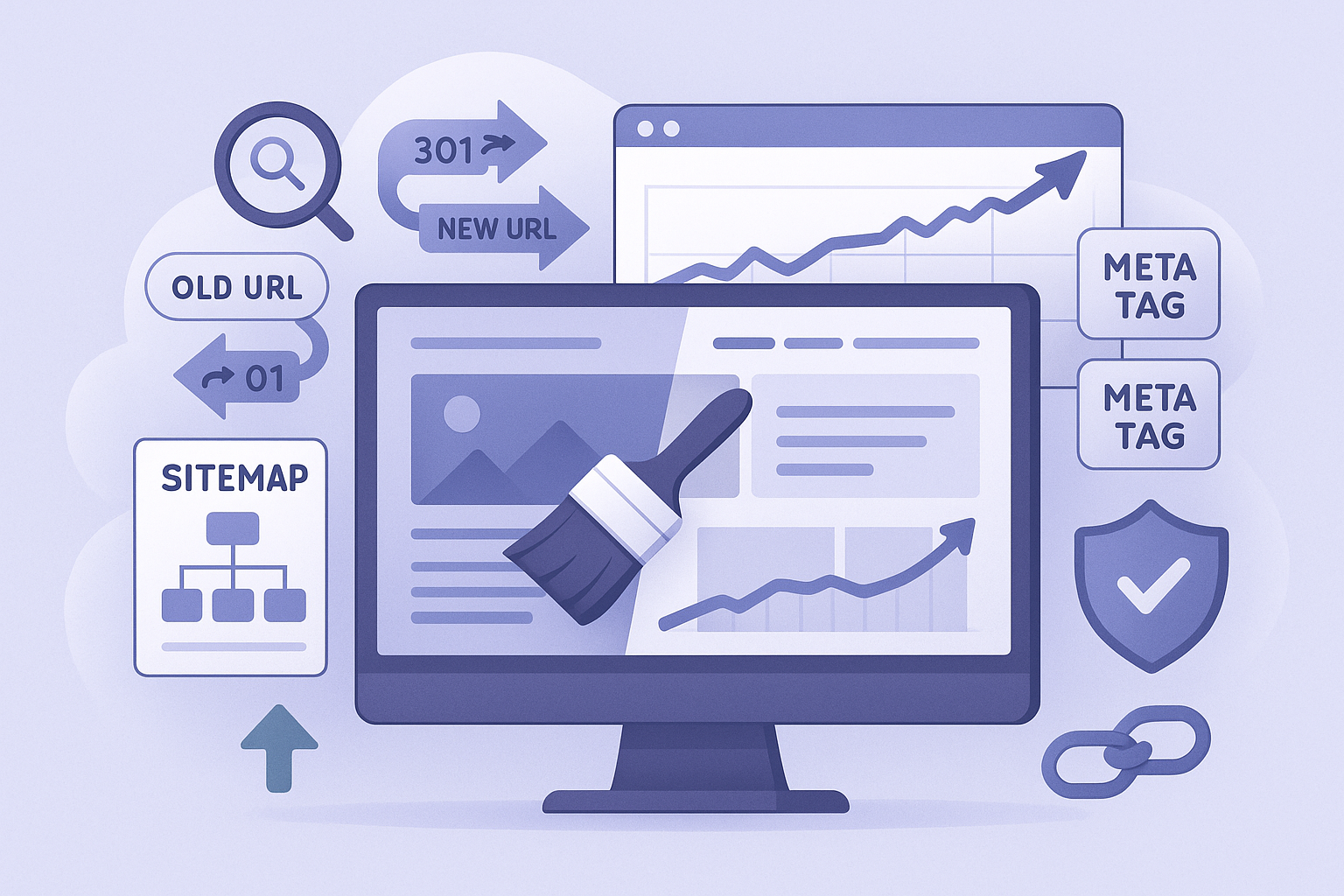
Website redesigns are exciting opportunities to improve aesthetics, functionality, and user experience - but they carry significant SEO risk. A poorly planned redesign can destroy years of search ranking equity overnight, resulting in traffic drops that take months to recover. This guide covers the essential steps to redesign your website while protecting and even improving your search rankings.
Why Redesigns Risk SEO
Search engines have associated your current URLs, content structure, internal links, and page authority with specific rankings. When a redesign changes URLs without redirects, removes or significantly alters content, changes the internal linking structure, modifies heading hierarchy and keyword targeting, or alters page speed and technical performance, search engines must re-evaluate your site, often resulting in temporary or permanent ranking losses.
Pre-Redesign SEO Audit
Before starting the redesign, document your current SEO baseline: crawl your existing site to map all URLs, record current keyword rankings for important terms, document traffic and conversion data by page, identify your highest-value pages by organic traffic, map all internal links and anchor text, export all meta titles and descriptions, and note all existing 301 redirects already in place.
URL Mapping and 301 Redirects
The most critical step. Create a spreadsheet mapping every old URL to its new equivalent. Implement 301 (permanent) redirects for every URL that changes. Never use 302 (temporary) redirects for permanent URL changes. Redirect old URLs to the most relevant new page (not all to the homepage). Test every redirect before launching.
Preserve Content and Keywords
If a page ranks well for specific keywords, do not remove or significantly change the content targeting those keywords. You can improve the design, layout, and surrounding elements, but keep the core content that search engines have associated with your rankings. Add to existing content rather than replacing it.
Maintain Heading Structure
Keep a logical H1 → H2 → H3 hierarchy on every page. Each page should have exactly one H1 containing the primary keyword. Changing heading structure can signal to search engines that the page's topic has changed.
Preserve Meta Tags
Transfer all existing meta titles and descriptions to the redesigned pages. If you want to improve them, do so gradually after the redesign launches - not during the launch itself. Changing meta tags and page content simultaneously makes it harder to diagnose ranking changes.
Technical SEO Checklist for Redesign
- Verify SSL/HTTPS is properly configured
- Submit updated sitemap to Google Search Console
- Check robots.txt does not block important pages
- Verify canonical tags are correct on all pages
- Test mobile responsiveness across devices
- Check page speed and Core Web Vitals
- Verify structured data (schema markup) is intact
- Ensure internal links point to new URLs (not old redirected URLs)
Post-Launch Monitoring
After launching the redesign, monitor daily for 4-6 weeks: check Google Search Console for crawl errors and 404s, monitor keyword rankings for your top 20-30 terms, track organic traffic against pre-redesign benchmarks, verify all 301 redirects are working, and address any issues immediately.
Some temporary ranking fluctuation is normal - Google needs to recrawl and reindex your site. If rankings drop significantly and do not recover within 2-3 weeks, investigate redirect issues, content changes, or technical problems.
Need Help with Your Redesign?
DigiXoft provides website redesign services with built-in SEO protection. Our process includes comprehensive URL mapping, 301 redirect implementation, content preservation, and post-launch monitoring. Contact us to discuss your redesign project.
Frequently Asked Questions
Will redesigning my website hurt my SEO?
Not if done correctly. The biggest risk is changing URLs without implementing 301 redirects and removing content that currently ranks. Follow a structured process: map all URLs, implement redirects, preserve meta tags and content, and monitor after launch. Properly executed redesigns can actually improve SEO through better performance and user experience.
How long do rankings take to recover after a redesign?
With proper redirects and content preservation, minor fluctuations typically stabilise within 2-4 weeks. Significant ranking drops after a redesign usually indicate missing redirects, removed content, or technical issues that need immediate attention - they will not resolve on their own.