
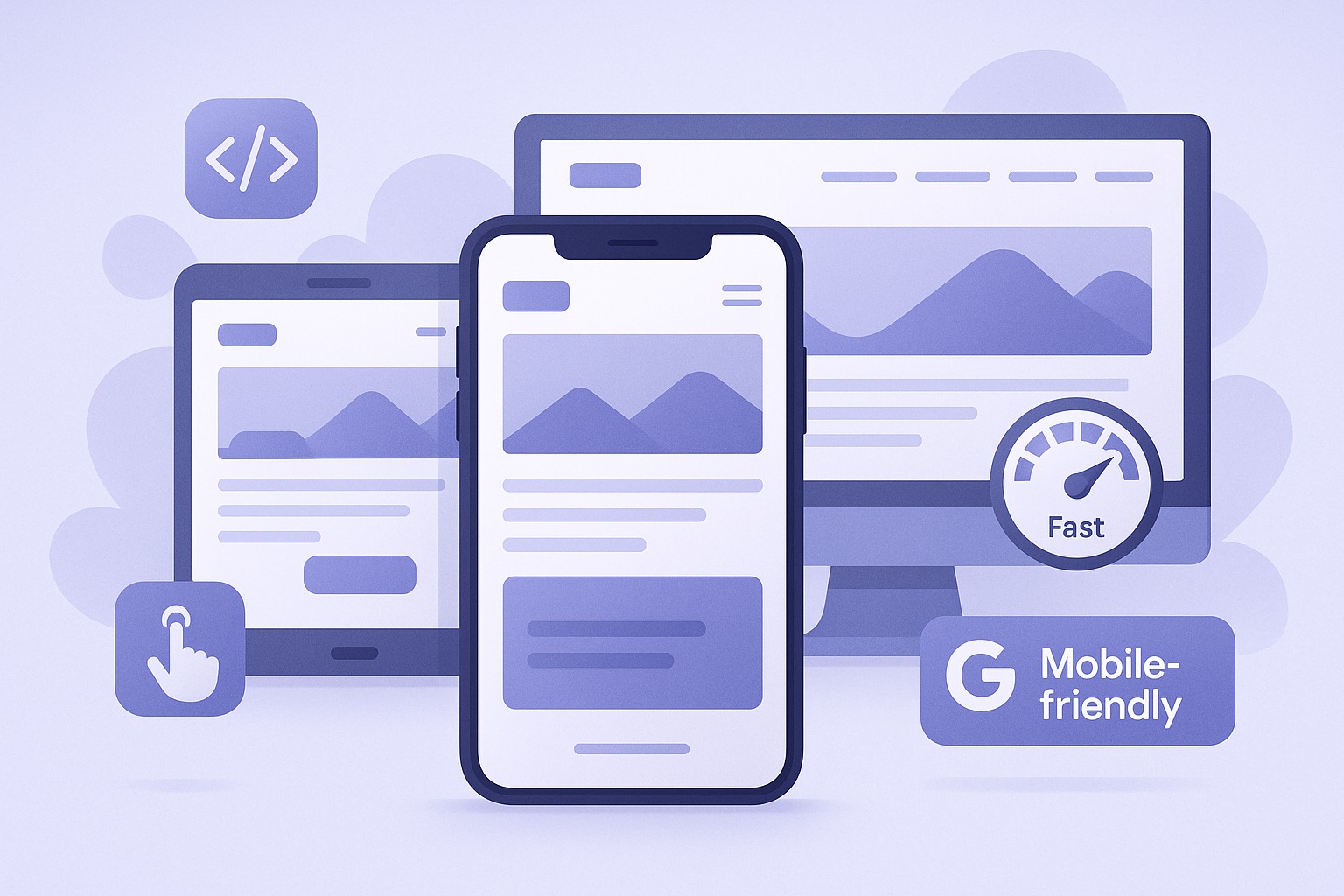
Mobile-first web design is the practice of designing for the smallest screens first, then progressively enhancing the experience for larger devices. With over 60% of global web traffic coming from mobile devices and Google using mobile-first indexing for all websites, mobile-first design is no longer optional - it is the standard approach for building effective websites in 2026.
What Is Mobile-First Design?
Mobile-first is the opposite of the traditional desktop-first approach. Instead of designing a full desktop layout and then shrinking it for mobile, you start with the mobile experience: what is essential, what fits on a small screen, what interactions work with touch. Then you progressively add complexity, features, and layout sophistication for tablet and desktop viewports.
Why Mobile-First Matters
Google Mobile-First Indexing
Google now predominantly uses the mobile version of your site's content for indexing and ranking. If your mobile experience is poor - missing content, broken layout, slow loading - your desktop rankings suffer too. Mobile-first design ensures your most important content is present and optimised on the version Google primarily evaluates.
User Behaviour
Most website visitors arrive on mobile devices. If your mobile experience is frustrating - tiny text, unclickable buttons, horizontal scrolling, slow loading - visitors leave. Mobile-first design prioritises the experience for the majority of your audience.
Performance
Starting with mobile forces performance-conscious decisions. Mobile devices have less processing power and often connect over slower networks. Designing mobile-first naturally produces lighter, faster websites because you build up from a lean foundation rather than trying to strip down a heavy desktop site.
Content Prioritisation
Mobile screens force you to prioritise. You cannot fit everything above the fold on a 375px-wide screen. This constraint produces better content hierarchy that benefits all users - even on desktop, a clear content hierarchy improves readability and conversion.
Mobile-First Design Principles
Content First, Chrome Second
On mobile, screen space is precious. Prioritise content over decorative elements. Navigation, headers, and sidebars should support content access, not compete with it. Every element on the mobile screen should serve a clear purpose.
Touch-Optimised Interactions
Design for fingers, not cursors. Minimum tap target size of 44x44px (Apple) or 48x48dp (Google). Adequate spacing between interactive elements. Replace hover-dependent interactions with tap-friendly alternatives. Swipe gestures for navigation where appropriate.
Progressive Enhancement
Use CSS min-width media queries to add complexity as viewport size increases. Mobile styles are the default; tablet and desktop styles are additions. This ensures mobile devices receive only the CSS they need, improving performance.
Performance Budget
Set performance targets: pages should load in under 3 seconds on 3G connections. Lazy load images below the fold. Minimise JavaScript execution. Use system fonts or subsetted web fonts. Compress and resize images for mobile dimensions.
Common Mobile-First Mistakes
- Hiding content on mobile: Do not hide important content from mobile users using
display: none. Google sees what mobile users see - hidden content may be devalued - Tiny tap targets: Buttons and links too small for fingers cause frustration and abandoned interactions
- Intrusive interstitials: Full-screen pop-ups on mobile harm both UX and SEO (Google penalises intrusive interstitials)
- Ignoring landscape orientation: Test in both portrait and landscape on mobile devices
- Desktop-first thinking: Adding
max-widthoverrides to "fix" mobile is not mobile-first - it produces bloated CSS
Need Help with Mobile-First Design?
DigiXoft provides responsive, mobile-first web design that ensures your website performs optimally across all devices. Our web design team follows mobile-first best practices for every project. Contact us to discuss your design needs.
Frequently Asked Questions
What is mobile-first design?
Mobile-first design is an approach where you design the mobile version of a website first, then progressively enhance it for larger screens (tablet, desktop). It prioritises the experience for the majority of users (60%+ of traffic is mobile) and ensures the version Google indexes is fully optimised.
Is mobile-first design the same as responsive design?
Not exactly. Responsive design means your site adapts to different screen sizes - but you can build responsive sites either desktop-first or mobile-first. Mobile-first is a specific approach within responsive design where you start with mobile styles as the default and add complexity for larger viewports using min-width media queries.
Why is mobile-first design important for SEO?
Google uses mobile-first indexing, meaning it evaluates the mobile version of your site for ranking purposes. If your mobile experience has missing content, poor performance, or usability issues, your rankings suffer across all devices - not just mobile. Mobile-first design ensures the version Google evaluates is your best version.