
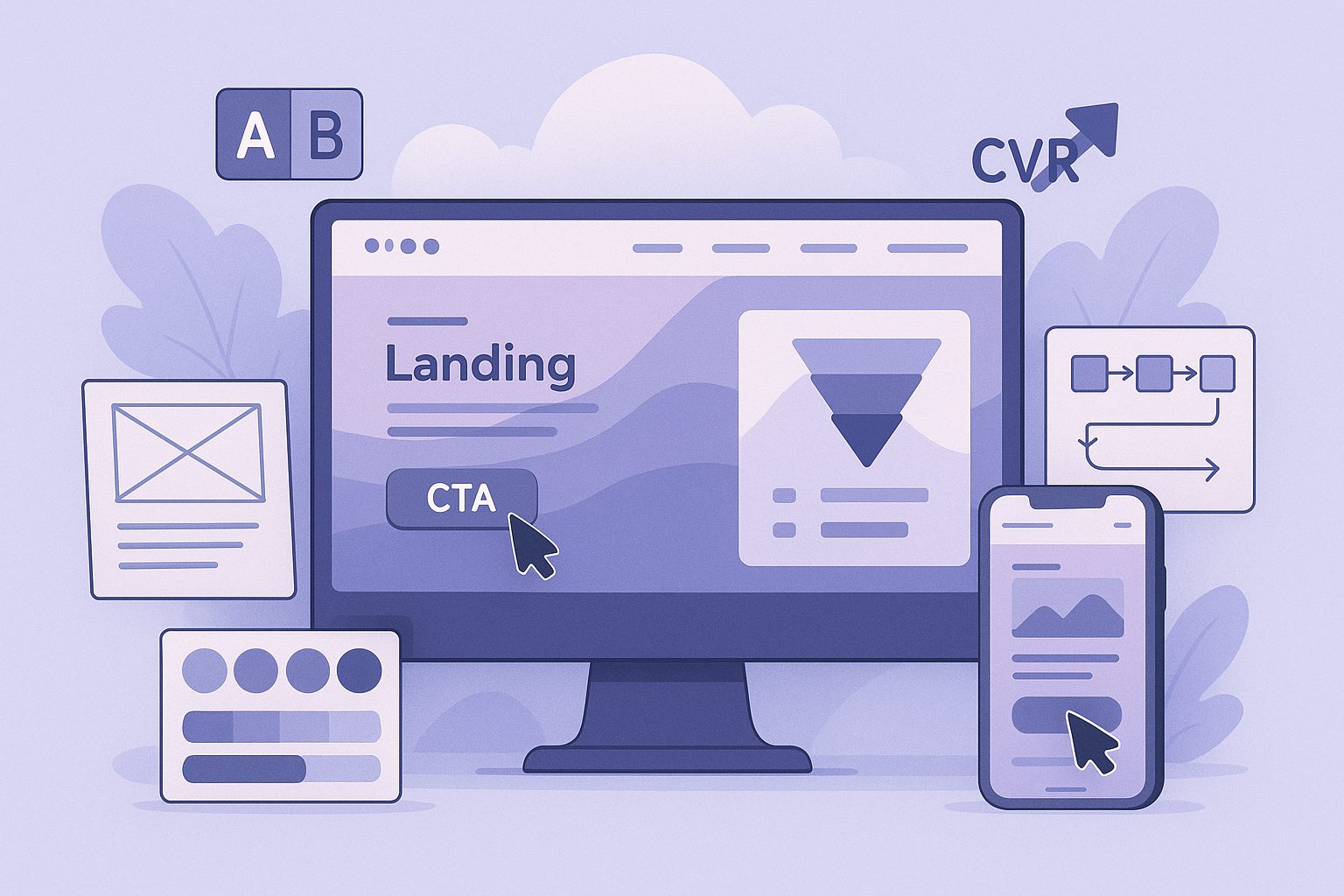
UI/UX design directly impacts whether visitors to your website convert into customers. Well-designed interfaces reduce friction, build trust, and guide users toward desired actions. Poorly designed interfaces create confusion, erode trust, and lose sales. This guide covers the UI/UX design best practices that measurably improve conversion rates across ecommerce, SaaS, and business websites.
Clear Visual Hierarchy
Every page should have a clear visual hierarchy that guides the user's eye from most important to least important. Use size, colour, contrast, and spacing to create hierarchy. The primary call to action should be the most visually prominent element. Secondary actions should be clearly subordinate. Information should be scannable - users do not read, they scan in F-patterns and Z-patterns.
Effective Call-to-Action Design
CTAs drive conversions. High-performing CTAs use contrasting colours that stand out from surrounding elements, clear action-oriented text ("Start Free Trial" vs "Submit"), adequate size and padding for easy clicking/tapping, strategic placement above the fold and at decision points, and consistent design throughout the site. A/B test CTA text, colour, placement, and size - small changes can yield significant conversion improvements.
Simplified Navigation
Users should find what they are looking for within 3 clicks. Keep primary navigation to 5-7 items maximum, use descriptive labels (not clever or ambiguous names), implement breadcrumbs for deep site hierarchies, include a search function for content-heavy sites, and test navigation with real users to identify confusion points.
Mobile-First UX
Over 60% of web traffic is mobile. Mobile UX requires thumb-friendly tap targets (minimum 44x44px), simplified forms with appropriate mobile keyboards, fast loading times (under 3 seconds on mobile networks), vertical scrolling optimised for thumb reach, and reduced content density compared to desktop.
Trust Signals
Users will not convert if they do not trust your site. Build trust through professional design quality, customer reviews and testimonials, security badges and SSL indicators, clear contact information, transparent pricing and return policies, and real team photos and company information.
Form Design
Forms are conversion bottlenecks. Optimise them by minimising the number of fields (every field reduces completion rate), using inline validation with clear error messages, implementing auto-fill and smart defaults, grouping related fields logically, showing progress indicators for multi-step forms, and using appropriate input types for mobile keyboards.
Page Speed and Performance
Speed is a UX factor. Users expect pages to load in under 3 seconds. Slow sites increase bounce rates and reduce conversions. Optimise images, minimise code, reduce third-party scripts, and leverage browser caching. A 1-second improvement in load time can increase conversions by 7%.
Need Help with UI/UX Design?
DigiXoft provides UI/UX design services focused on conversion optimisation. Our design team creates user interfaces that are visually appealing, intuitive to use, and measurably effective at driving business results. Contact us to discuss your design project.
Frequently Asked Questions
What is the difference between UI and UX design?
UX (User Experience) design focuses on the overall feel, flow, and usability of a product - how easy and pleasant it is to accomplish tasks. UI (User Interface) design focuses on the visual elements - colours, typography, buttons, icons, and layout. UX determines what the interface does; UI determines how it looks. Both work together to create effective digital experiences.
How does UX design affect conversion rates?
UX design directly impacts conversions by reducing friction in the user journey, building trust through professional design, making CTAs clear and compelling, simplifying forms and checkout processes, and ensuring mobile usability. Studies show that every $1 invested in UX returns $100 in business value.